Graphic designers face a unique challenge: their resume needs to showcase both their visual skills while still conveying vital information about their experience, education, and type of work they do. This is where the trap of overdesigning lies: treating your resume as a mini portfolio piece.
However, a “simple,” no-frills resume reveals a lot about a designer’s skill. Read on to learn how to avoid common pitfalls of graphic designer resumes and create a resume that satisfies both ATS filters and human reviewers.
Need some inspiration? Explore Quillbot’s Resume Design Templates and find a professional layout that keeps your experience clear and easy to scan.
Key takeaways
Keep your resume easy to scan: hierarchy and readability matter more than decoration.
Link to a portfolio that shows your actual design work.
Focus on outcomes and contributions, not only design tasks.
Whether you’re actively applying for jobs or simply want to be ready when opportunities arise, an optimized LinkedIn profile makes it easier for recruiters to find you.
Recruiters don’t scroll through thousands of profiles looking for candidates. Instead, they use keywords in LinkedIn’s search tools to find candidates with the right skills and experience. If your profile is missing the right keywords, you might not appear in search results, even if you’re highly qualified.
Optimizing a LinkedIn profile involves telling a compelling professional story, using relevant keywords naturally, and staying active on the platform to strengthen your online presence.
This guide walks you through the process, from choosing the right keywords to writing an engaging LinkedIn summary and showcasing your skills.
Quillbot’s LinkedIn Templates can help you streamline the process with customizable designs for LinkedIn banners, posts, and other professional branding assets.
Key takeaways
Use relevant keywords throughout your LinkedIn profile to improve your chances of appearing in recruiter searches.
Optimize your headline, “About” section, “Experience” section, and “Skills” section to clearly communicate your expertise and career goals.
Highlight measurable accomplishments, certifications, projects, and other credentials to show recruiters the value you can bring.
Improve your visibility beyond your profile by updating your settings, building your network, and keeping your information current.
A new school year brings new opportunities to create a welcoming learning environment. From classroom websites and parent communications to presentations and printable resources, teachers use visual materials to introduce their classroom style and set the tone for the year ahead.
A back-to-school background is a simple design element that can make these materials feel more polished and consistent. Whether you prefer a colorful classroom theme, a subject-specific design, or a clean minimalist look, the right background can help transform everyday resources into engaging materials for students and families.
Finding a background that fits your exact needs, however, is not always easy. Many online libraries offer generic designs, but they may not match your grade level, teaching style, or classroom theme. With AI design tools like Quillbot’s free Image Generator, teachers can create custom back-to-school backgrounds tailored to their own classrooms.
This guide explores creative ways to use back-to-school backgrounds, explains how to create backgrounds that meet accessibility standards, and provides free backgrounds you can download and use for classroom projects. Back-to-school background from Quillbot’s Image Generator
Key takeaways
Back-to-school backgrounds help create a cohesive, welcoming look across classroom websites, presentations, newsletters, printables, and parent communications.
AI image generators make it easy to create custom back-to-school backgrounds that match your classroom theme, grade level, and teaching style.
Accessible background designs prioritize readability with strong color contrast, open space for text, and minimal visual distractions.
This guide includes practical prompt-writing tips, accessibility best practices, and free downloadable back-to-school backgrounds for classroom use.
The 5-letter words that start with U include strong Wordle starters (like “untie”), everyday terms (like “uncle” and “until”), and advanced vocabulary (like “umbra”). Several of them can also boost your score in Scrabble and Words With Friends (WWF).
This guide includes 60 5-letter words that start with U along with tips for word games and definitions of the most obscure options.
5-letter words that start with TR include common terms, like “truck” and “truth,” along with less familiar ones, like “trine” and “trugo.” Use the lists and tips below to find the best options for Wordle, Scrabble, Words With Friends (WWF), and other word games.
Looking for words with a different letter pattern? Quillbot’s AI Chat is a fast and free resource for curated word lists.
For teachers everywhere, the back-to-school season is one of the busiest times of the year. Before students ever step foot in the classroom, teachers are creating classroom websites, school supply lists, welcome letters, and more. To make these materials more engaging and visually appealing, teachers often turn to back-to-school clip art.
While clip art can instantly make classroom materials more engaging, finding clip art that matches your personality or your students’ interests can take hours, especially on websites that offer thousands of different options. That’s where tools like Quillbot’s free Image Generator come in. Instead of sifting through endless clip art libraries, you can create custom back-to-school clip art for free with just a few clicks.
This guide walks you through the different ways to use back-to-school clip art in your classroom and how to prompt AI for classroom clip art that’s just right for you. If you need back-to-school clip art right away, this guide also offers 20 ready-to-use images that you can download for free.
Key takeaways
Back-to-school clip art makes classroom materials more engaging, welcoming, and visually consistent for students and families.
AI image generators let teachers create custom back-to-school clip art in their preferred style instead of searching through large clip art libraries.
Detailed AI prompts that specify the subject, colors, illustration style, and transparent background produce the best classroom-ready clip art.
Different clip art styles help teachers create a classroom aesthetic that matches their personality, teaching subject, or students’ interests.
Back-to-school coloring pages serve many purposes beyond keeping students busy and filling extra time. When done right, they provide valuable insight into students’ interests, developmental skills, and readiness for learning as they settle into new routines. Teachers can use them in first-day-of-school lesson plans to assess fine motor skills, handwriting, and early literacy on the first days of school.
Whether you’re looking for first-day-of-school coloring pages, all-about-me coloring pages, or similar printables for students in pre-K to 2nd grade, the 15 coloring pages below offer a range of fun and engaging back-to-school images.
Quillbot’s free Image Generator can help you create custom coloring pages that are perfectly suited to your students’ needs.
Key takeaways
Back-to-school coloring pages do more than keep students busy. They help teachers assess fine motor skills, handwriting, early literacy, and school readiness in a low-pressure, engaging way.
Choose activities that match your students’ developmental goals. From tracing and name writing to letter recognition, counting, and listening skills, the right coloring pages can support meaningful first-week observations.
Find printable coloring pages for every early elementary grade. Explore 15 free options for Pre-K through 2nd grade, including self-portraits, all-about-me pages, classroom activities, and back-to-school themes.
Create custom coloring pages when you need something specific. Use Quillbot’s free Image Generator to design printables tailored to your classroom, lessons, or students’ needs.
Whether you’re a casual user or a professional photographer, AI-powered photo editing can take your images to the next level. Yet, not all AI photo editors are created equally—and most people don’t have the time to test a bunch of different tools.
This guide pulls 10 of the best AI photo editors that offer free web versions so you can get straight to work without downloading apps or giving out your credit card information.
Key takeaways
AI photo editors make it easy to remove backgrounds, erase unwanted objects, enhance image quality, and create professional-looking edits—no design experience required.
This guide covers 10 of the best free online AI photo editors, highlighting options for different needs and experience levels, from simple prompt-based editing to more advanced creative workflows.
Whether you’re looking for quick automated enhancements, flexible browser-based editing tools, or AI-assisted content creation, these platforms let you get started without downloading software or entering payment details.
Published on
July 7, 2026
by
Quillbot.
Revised on
July 22, 2026
Answering Tell me about yourself effectively is about understanding what the interviewer really wants to know when they ask this question and how to answer it in a way that helps you make a strong first impression.
Read on for tips on how to answer “Tell me about yourself,” example answers, and advice on avoiding common mistakes.
TipQuillbot’s free AI Chat can help you prepare for answering the question “Tell me about yourself” at your next interview.
Enter the job description and some information about your work experience, then ask AI Chat to help you brainstorm the strongest points to include in your answer.
Key takeaways
“Tell me about yourself” is usually an invitation to give a brief professional introduction, not a personal life story.
A strong answer summarizes your current role, relevant background, key strengths, and why you’re interested in the job.
Aim for a concise answer of about 30–90 seconds so you can make a good first impression without taking over the interview.
Adding a brief narrative detail, such as a project, achievement, or career turning point, can make your answer more engaging.
Prepare your main points in advance, but don’t memorize your answer word for word. You want to sound confident and natural.
Whether you’re looking for 5-letter words that start with F for word games or vocabulary building, there are more than 140 options to choose from. Common examples include “faith,” “false,” “flame,” “fresh,” and “funny.” Less familiar words like “flack,” “foist,” and “fauna” can give you a competitive edge and expand your knowledge.
This guide includes the complete list of 5-letter words that start with the letter F, along with Wordle tips, high-scoring Scrabble and Words With Friends (WWF) choices, and a curated selection of advanced words with definitions and examples.
Need help finding the right Wordle guess? Quillbot’s free AI Chat can generate words that fit any letter pattern.
Key takeaways
There are more than 140 5-letter words that start with F, including everyday terms and advanced vocabulary.
Wordle strategy for words that start with F involves testing common letters, common letter positions, and common letter combinations.
Words that also include J, K, X, and Z offer high-scoring options for Scrabble and Words With Friends.
Advanced words like “fjord” add variety to your vocabulary.
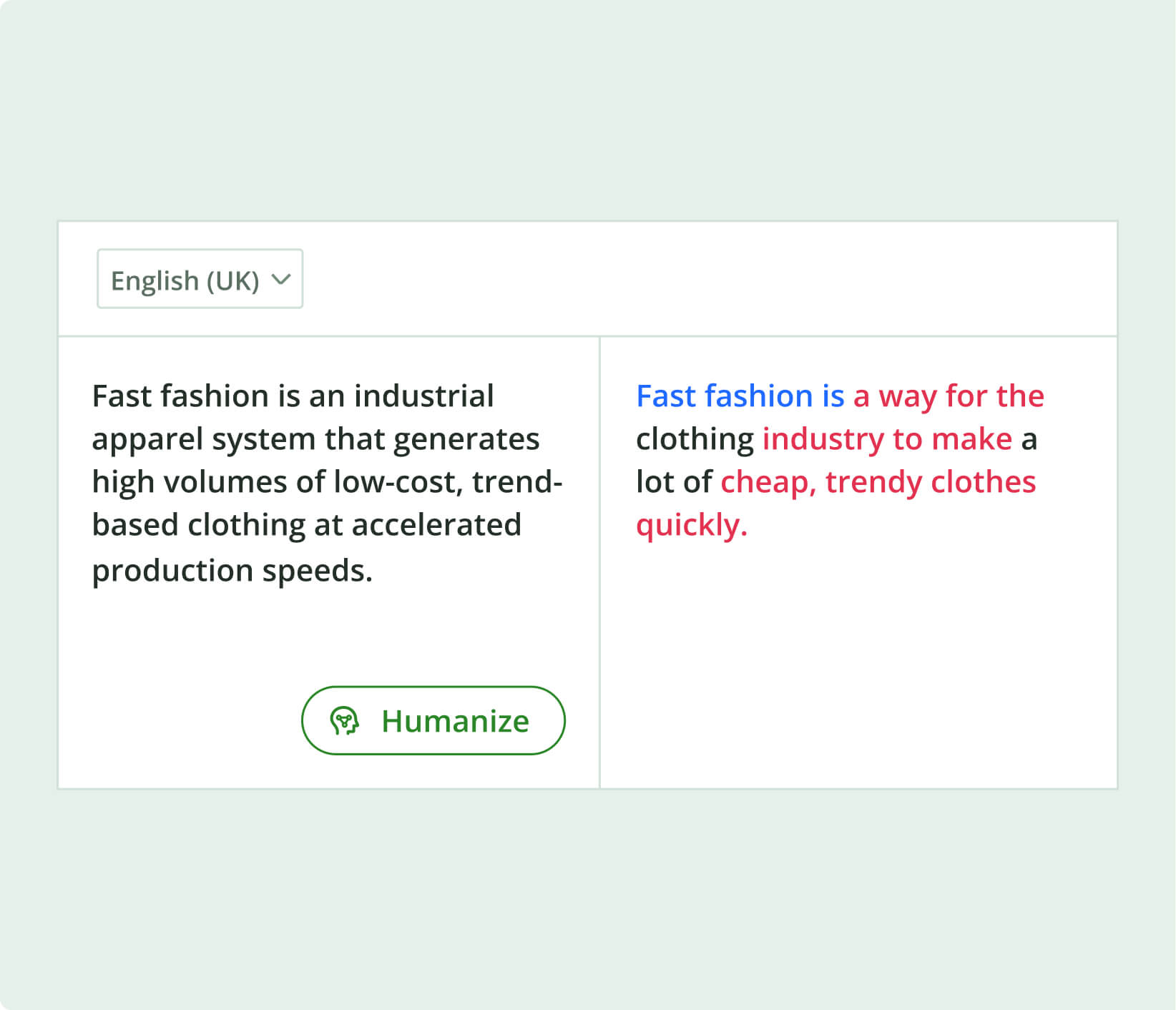
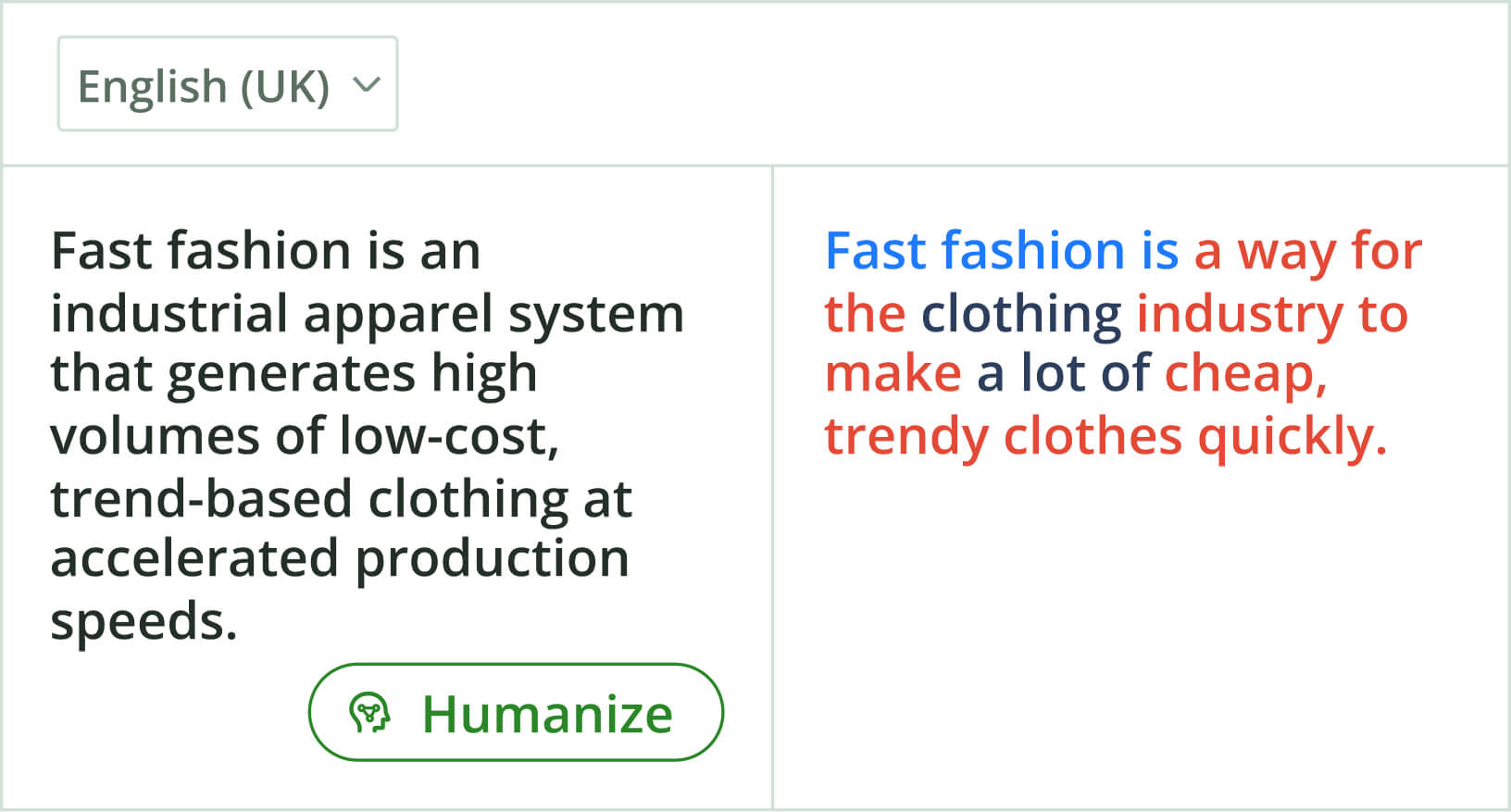
Quillbot’s free AI Humanizer helps you create engaging, natural-sounding copy. It smooths awkward phrasing and removes common AI giveaways, so every draft sounds more like you. After all, natural writing is in.
Quillbot’s free AI Humanizer helps you create engaging, natural-sounding copy. It smooths awkward phrasing and removes common AI giveaways, so every draft sounds more like you. After all, natural writing is in.